Download Dynamic HTML Editor – web development, HTML editor, web design, coding tool, mobile coding, HTML5, CSS, JavaScript
Overview
Dynamic HTML Editor is a mobile productivity tool designed to support web development directly from Android devices. It enables users to create and edit web content using multiple programming languages, making it a flexible solution for both learning and practical development tasks. The app aims to bridge the gap between desktop-based development environments and mobile accessibility, offering a lightweight yet capable platform for coding on the go. Its primary purpose is to provide a portable coding experience for individuals who need to draft, modify, or preview web pages without relying on a full computer setup.
The app targets a diverse user base, including students learning HTML, hobbyist developers, and professionals requiring quick edits during travel or remote work. Real-world use cases include writing small scripts, prototyping layouts, or adjusting website content during site audits. For users with limited access to desktop environments, this tool offers a practical alternative for maintaining web projects. While the developer, Joe C. Jones, is credited with the creation, no additional background information about the individual or their development history is available.
Given its focus on web development, Dynamic HTML Editor contributes to the growing ecosystem of mobile coding utilities. It supports essential languages such as HTML, CSS, JavaScript, PHP, XML, ASP, CFM, and JSP, enhancing its utility across various web application scenarios. The app’s release date of June 14, 2012, indicates a long-standing presence in the mobile development space, suggesting stability and consistent use over time.
Key Features & Functionality
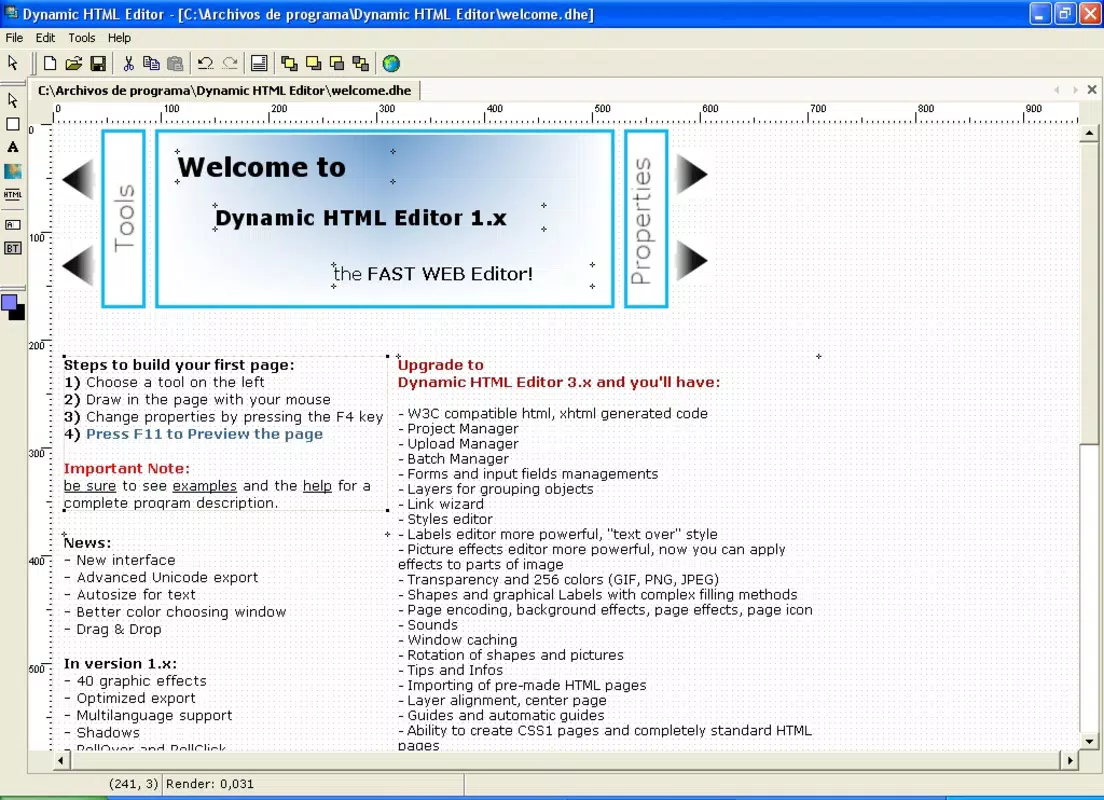
- User-Friendly Interface: The app features a well-structured layout designed for intuitive navigation. Even users without prior HTML experience can begin creating web pages with minimal learning curve. The interface organizes tools logically, allowing users to access essential functions without confusion.
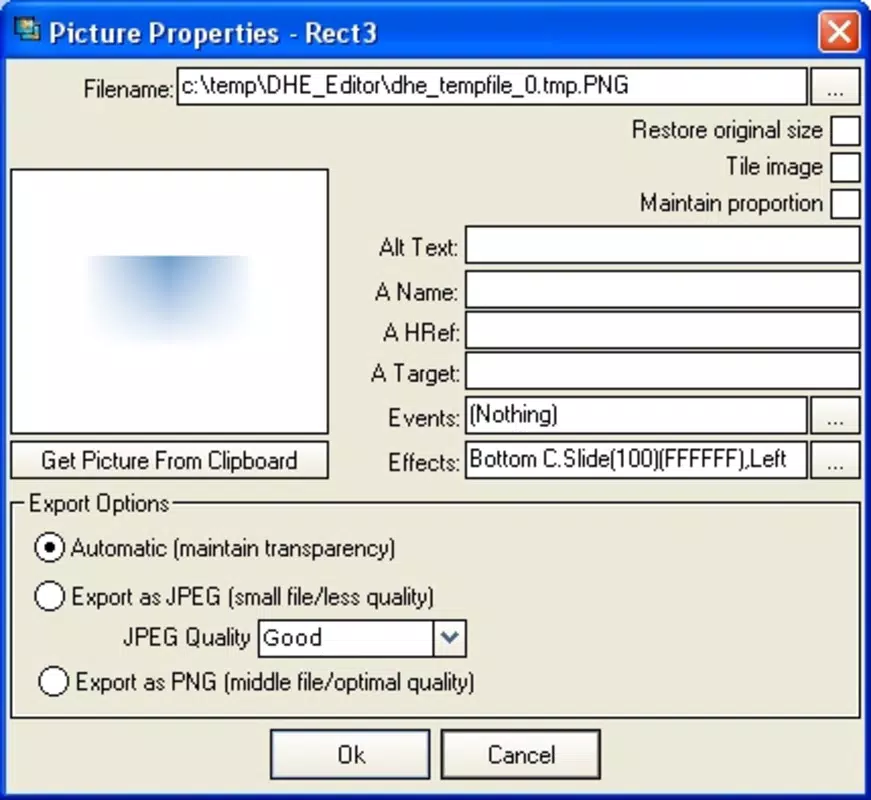
- Drag-and-Drop Functionality: Users can place elements like images, shapes, and charts directly onto the design canvas. This feature accelerates the prototyping process and reduces dependency on manual coding for basic visual components.
- Multiple Template Support: Pre-designed templates serve as starting points for new projects. These templates help users overcome blank-page paralysis and provide inspiration for layout and styling, particularly useful for beginners.
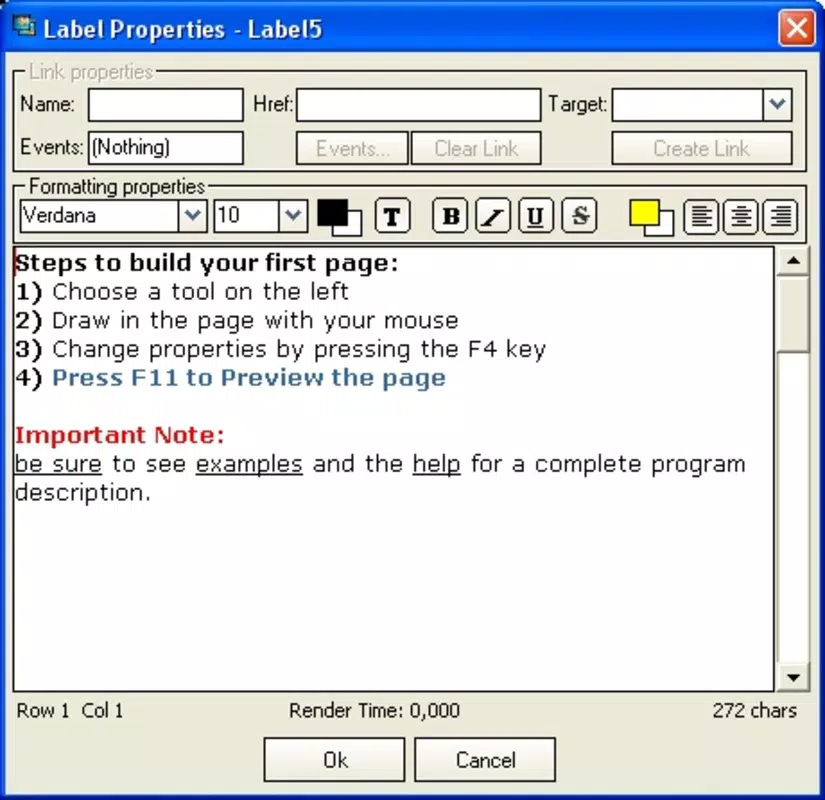
- HTML Tag Support: Beyond visual editing, users can manually input HTML tags for precise control. This dual-mode approach supports both visual design and code-level customization, accommodating users at different skill levels.
- Broad Format Compatibility: The editor supports output in multiple formats including HTML, PHP, XML, ASP, CFM, and JSP. This versatility allows developers to work across different server-side and client-side environments without switching tools.
For example, a student might use the drag-and-drop feature to build a simple portfolio page, then switch to code view to fine-tune CSS styling. A professional could use the templates to quickly revise a client’s landing page while traveling, ensuring timely updates without a desktop.
Interface, UX & Performance
The interface of Dynamic HTML Editor is designed with usability in mind, featuring a clean layout that prioritizes accessibility. Navigation is straightforward, with essential tools grouped logically within the main workspace. The visual style is minimalistic, focusing on functionality over decorative elements, which enhances readability and reduces cognitive load during coding sessions.
Users can switch between visual and code modes seamlessly, allowing for a flexible workflow. The drag-and-drop system responds promptly, enabling quick adjustments to page structure. Although the developer did not list formal performance metrics, the app’s 15.2 MB file size suggests efficient resource usage, which is beneficial for older or low-memory Android devices.
Responsiveness across different screen sizes appears to be consistent, though specific device compatibility details were not provided. Stability is implied by the app’s long release history, indicating that it has been maintained over time. However, no information was shared about crash frequency, load times, or background processing behavior.
Platform Compatibility & Technical Requirements
Dynamic HTML Editor is available exclusively on the Android platform. The current version is 2.0, and the app has a file size of 15.2 MB. This lightweight footprint makes it suitable for installation on a wide range of Android devices, including entry-level smartphones and tablets.
The developer did not specify minimum OS requirements or device compatibility details. As such, users should verify whether their device meets the necessary system conditions before installation. The app is currently free to download and use, with no in-app purchases or subscription models reported.
Pros and Cons
Pros
- Lightweight file size of 15.2 MB, ideal for devices with limited storage
- Supports multiple web development formats, including HTML, PHP, and JSP
- Combines visual editing with manual code input for flexible workflows
- Includes ready-to-use templates to accelerate project initiation
- Free to download and use, with no hidden costs
Cons
- Specific OS version requirements were not disclosed
- No information provided about real-time collaboration or cloud sync
- Developer did not share details about update frequency or future development plans
- Performance on older or low-end devices remains unverified
- Limited visibility into technical support or community resources
FAQ
Is Dynamic HTML Editor safe to download and use?
The app is available for free on Android and has been in circulation since 2012. While no third-party security audits were mentioned, it is distributed through official channels, minimizing the risk of malware.
Can I use Dynamic HTML Editor for professional web development?
Yes, the app supports multiple web languages and formats, making it suitable for basic to intermediate development tasks. However, it may not replace full desktop IDEs for complex projects.
Does Dynamic HTML Editor require an internet connection?
The app functions offline for coding and editing. However, some features like template downloads or updates may require connectivity.
Is the app compatible with all Android devices?
The developer did not specify minimum OS or hardware requirements. Users should check device compatibility before installing.
How often is Dynamic HTML Editor updated?
Update frequency was not disclosed by the developer. Users should monitor the app store for new versions.
Final Thoughts
Dynamic HTML Editor stands out as a dedicated mobile solution for web development, offering a balance between simplicity and functionality. Its support for multiple formats, intuitive interface, and free access make it a valuable tool for learners, hobbyists, and professionals needing on-the-go coding capabilities. While it lacks advanced features like real-time collaboration or cloud integration, its core functionality remains effective and reliable.
For anyone seeking a portable coding companion that supports HTML, CSS, JavaScript, and related languages, this app delivers solid value. The long-standing presence on the Android platform speaks to its stability and continued relevance in a niche but growing market.
Download Dynamic HTML Editor now